

 Phone / Whatsapp: +84 944 436 379
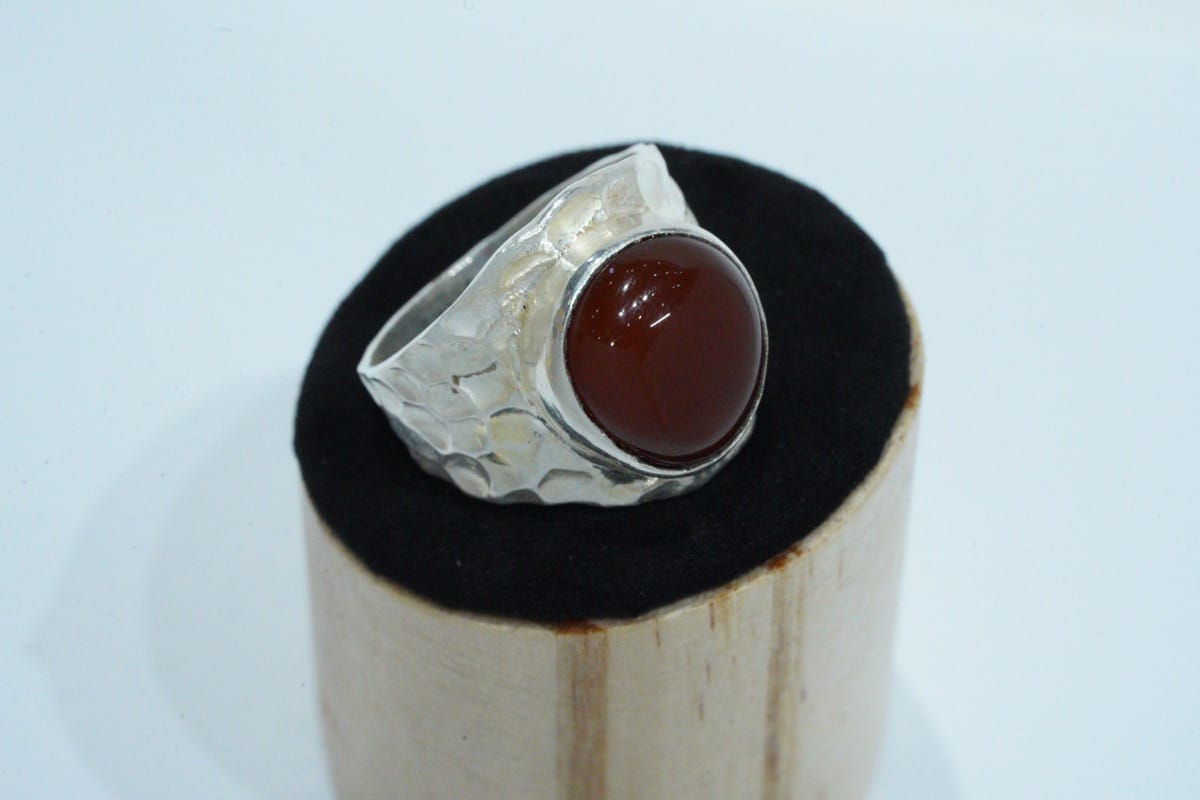
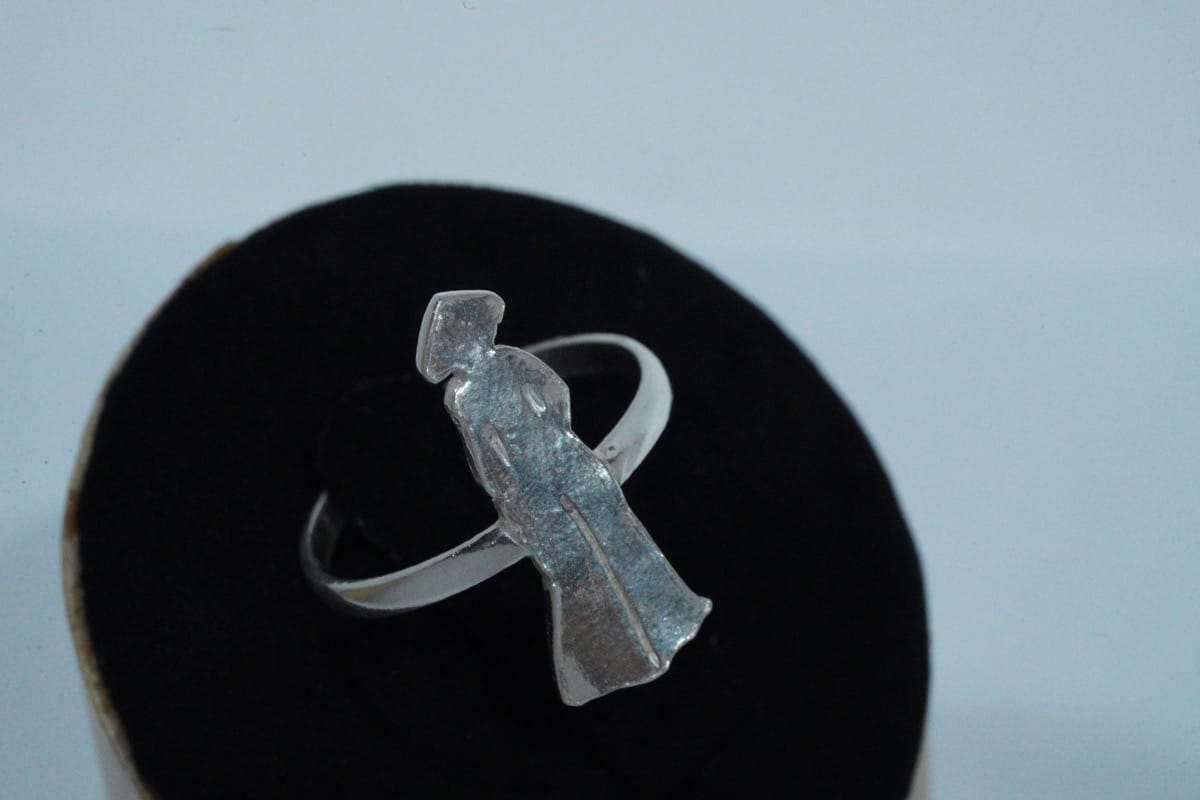
Ordering a custom silver ring online gives you the freedom to create a design that reflects your personal style without having to visit a jewellery store. With Silver Handmade Hoi An – An Ky Silvana’s online customisation tool, you can choose a ring style, adjust its dimensions, personalise different design details and select your preferred material.
One of the key features of our online customisation experience is 3D visualisation technology. As you customise your ring, you can see a 3D representation of your design directly on the website. This makes it easier to understand how your choices affect the ring’s appearance and review the design before confirming your order.
Whether you are ordering from overseas or living in Hoi An, you can design your ring online and choose to have your finished order delivered to your address or collected at one of our stores.
Here is how the process works.
1. Choose Your Ring Style
Start by visiting the An Ky Silvana Customise page.
Under the Style tab, explore the available ring designs and select the one you want to customise. This gives you a starting point for creating your own ring.
Once you have chosen a style, switch to the Custom tab to begin adjusting its details.
2. Customise Your Ring with 3D Visualisation
After selecting a style, you can start personalising the ring through the Custom interface.
An Ky Silvana uses 3D technology to display a visual representation of your ring while you customise it. As you change the available settings, you can view the design on the website and get a clearer idea of its shape, proportions and overall appearance.
Instead of relying only on written measurements or imagining the finished result, you can refer to the 3D model throughout the design process. This helps you compare different adjustments and make decisions with a better understanding of how your ring will look.
The customisation interface includes several sections, allowing you to refine different aspects of the design.
3. Adjust the Ring Size and Shape
The Size & Shape section allows you to adjust the ring’s proportions through several settings.
- Ring Size: Select the size you want from the available options. If you are unsure, check the Size Guide before proceeding.
- Band Width: Adjust the width of the ring band to create a slimmer or wider appearance.
- Thickness: Set the thickness of the band according to your preferred proportions.
- Top Thickness and Top Width: Customise the dimensions of the upper part of the ring.
- Corner Radius: Adjust how rounded the outer edges appear.
- Inner Rounding: Control the rounding of the inside edges.
You can use the sliders or enter numerical values to adjust these measurements. As you experiment with different settings, refer to the 3D visualisation to see how the changes affect the ring’s appearance.
Take your time to compare different combinations until you find proportions that suit your preferred design.
4. Customise Texture and Surface
Next, open the Texture & Surface section.
This part allows you to adjust the appearance of the ring’s surface. Depending on the available options, you can explore different finishes and textures to give your design a more individual look.
Use the 3D preview to see how your selected surface options contribute to the overall appearance of the ring.
5. Adjust the Face and Position
The Face & Position section provides further control over the ring’s design.
Explore the available settings to adjust the appearance and positioning of the ring’s face. These details help you refine the overall design and create a result that better matches your original idea.
You can refer to the 3D model while making these adjustments to understand how the different elements come together.
6. Add Engraving
If you want to include a personal detail, explore the Engraving section.
An engraving can make a ring more meaningful, particularly if you are creating it as a gift or to mark a special occasion. You may consider a name, date or short message, depending on the options available in the customisation tool.
Check your engraving details carefully and review the design before proceeding.
7. Choose Silver or Gold
After customising the design, choose your preferred material.
An Ky Silvana offers custom jewellery in silver and gold, giving you the flexibility to create a ring that suits your taste and preferences.
If you have questions about the material options available for your chosen design, contact our team for confirmation before placing your order.
8. Review Your 3D Design and Confirm Your Order
Before completing the process, take another look at your ring using the 3D visualisation on the website.
This is your opportunity to review the overall appearance and check that the different customisation choices work well together.
Pay particular attention to:
- Your selected ring style
- Ring size and dimensions
- Texture and surface settings
- Face and position
- Engraving details, if selected
- Your chosen material: silver or gold
If something does not look right, return to the relevant section and make adjustments. The 3D preview helps you review your design visually while you customise it.
Once you are happy with the result, follow the instructions on the customisation page or contact An Ky Silvana to discuss and confirm your order.
9. Choose Delivery to Your Address or Store Collection
Once your custom ring order has been confirmed, you can choose how to receive it.
Home delivery
If you are ordering online and cannot visit Hoi An, An Ky Silvana can arrange delivery to your provided address. This is a convenient option for customers who want to customise their jewellery remotely and receive the finished piece at home.
Collection at an An Ky Silvana store
If you are in Hoi An or planning to visit, you can choose to collect your order directly at one of our stores. Please confirm the collection location and arrangements with our team when placing your order.
Whichever option you choose, make sure your delivery or collection details are confirmed before the order is finalised.
Start Designing Your Custom Silver Ring Online
Creating a personalised ring is easier when you can see your design take shape as you customise it. With An Ky Silvana’s online tool, you can choose a style, adjust its dimensions, explore different design details and view a 3D representation of your ring directly on the website.
Choose silver or gold, review your design and arrange to receive your finished order through home delivery or collection at one of our stores.
Ready to create your own custom silver ring online? Visit the An Ky Silvana Customise page and start designing your ring.